MadMapper now offers a monthly license from just 39€ with support for up to 16K video output, which shows how accessible and powerful beginner VJ tools have become in 2026.
Key Takeaways
| Question | Answer |
|---|---|
| What is the easiest VJ software for complete beginners in 2026? | Browser based tools like Map Club and entry level desktop apps such as Resolume Avenue are among the most approachable options for first time VJs. |
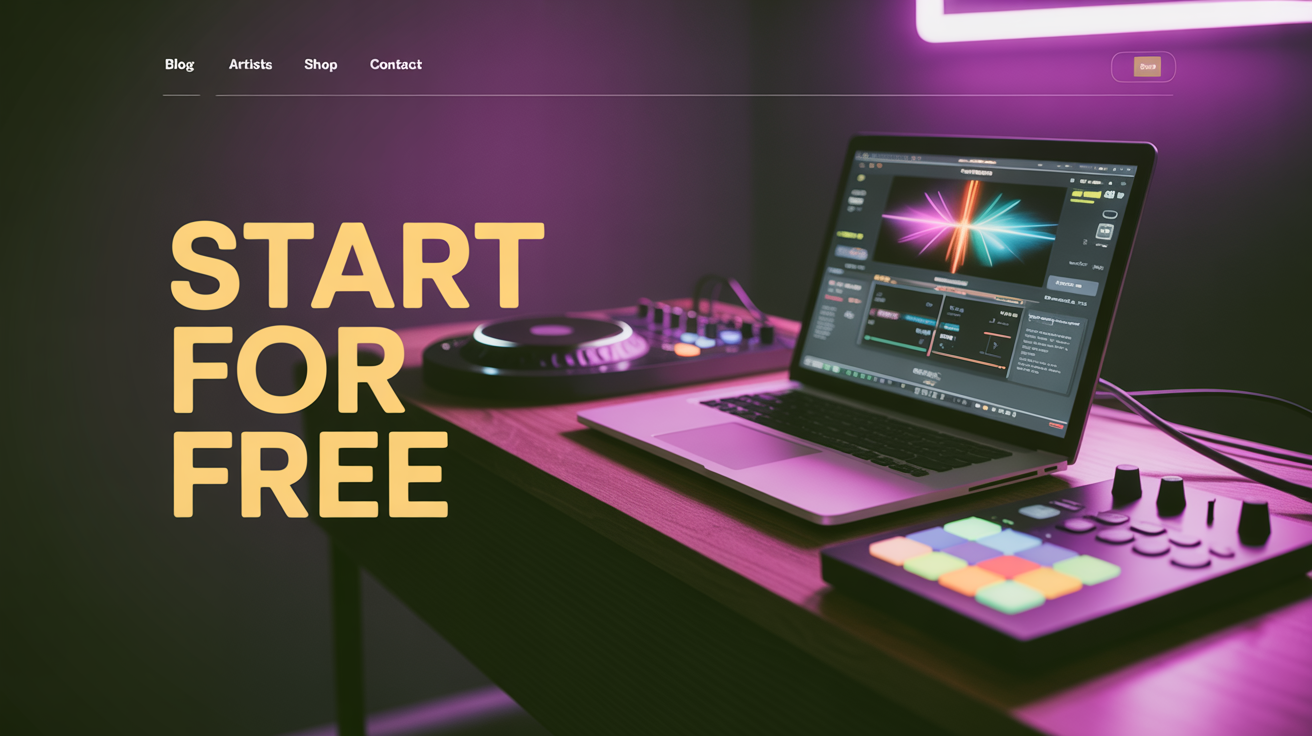
| Can I start VJing for free? | Yes, Map Club has a 100% free forever plan with all features unlocked, and tools such as Resolume and MadMapper provide free demo versions so you can practice before paying. |
| What do I need besides software to begin? | You need a laptop, a basic MIDI controller or keyboard shortcuts, and a set of ready‑to‑use visuals like the neon tunnel loops available on VJLoops.net. |
| Where can I find visuals to practice with? | You can use free 4K neon tunnel VJ loops from pages such as the Windows 11 neon tunnel preview or browse the Neon VJ Loops category for more assets. |
| How much should beginners budget for VJ software? | Most beginners can start between 0 € and 299 €, using free plans or demos, then moving toward tools like Resolume Avenue or a MadMapper monthly plan as they grow. |
| Which tools work on both macOS and Windows? | Flagship applications such as Resolume run on both major platforms and let you test them with watermarked output before you buy a license. |
How To Choose The Best VJ Software For Beginners In 2026
When we help newcomers choose VJ software, we start with use case, hardware, and budget, not brand names.
Your ideal tool in 2026 should be simple to learn, stable during shows, and compatible with the 4K or 16K loops you plan to run.
Core features beginners should demand
Beginner friendly VJ software should offer an intuitive interface, drag and drop clip triggering, and clear layering of visuals.
We also recommend live preview windows, simple effect controls, and easy mapping to MIDI or keyboard shortcuts.
Budget ranges and pricing models
Most new VJs now mix free browser tools, free demos, and starter licenses in the 0 € to 299 € range.
Subscription options such as monthly licensing make it practical to test software during a season of gigs without a large one time payment.
Why visuals matter as much as software
No matter which application you choose, you still need high quality content that is ready for real time playback.
This is why we advise beginners to combine beginner friendly software with dedicated visual packs, for example high definition neon tunnels from our own neon collections.

Resolume Avenue & Arena: Industry Standard For Beginner To Pro VJs
Resolume remains one of the most trusted live VJ platforms in 2026, especially for club and festival work.
It combines clip based performance, effect chains, and projection mapping in a way beginners can grasp step by step.
Pricing that scales as your skills grow
Resolume Avenue is priced around 299 € per license, while Resolume Arena costs about 799 €, giving beginners a clear entry level tier and a pro expansion path.
Avenue offers everything most new VJs need for single screen shows, and Arena adds advanced mapping, LED features, and extra inputs for large productions.
Why Resolume works well for first time VJs
Resolume uses a deck and layer metaphor similar to DJ software, so many users understand it quickly.
Built in training content, an active community, and templates mean you can learn by copying working projects, not by guessing.
Trial versions and learning resources
Resolume provides a free trial with watermarked output so you can stress test performance on your hardware before you commit.
There is also a structured 2 hour training course aimed specifically at helping beginners become show ready with the core feature set.
MadMapper: Best For Beginners Interested In Projection Mapping
MadMapper is one of the most approachable ways for beginners to start with projection mapping, LED mapping, and spatial visuals.
The focus is on mapping any video source onto real world surfaces, with a clean interface that hides complexity until you need it.
Beginner friendly pricing options
MadMapper offers a free demo for learning, a monthly license starting from 39 €, and a perpetual license from about 399 €.
This tiering gives you flexibility to rent the software for specific projects, then move to a full license once you are committed.
Why it is suitable in 2026 for new visual artists
MadMapper describes itself as “User Friendly but Advanced Depth,” which matches how we see beginners progress with it.
You can begin with simple quad mapping on one projector, then use the same toolchain later for multi‑projector, LED strip, or 16K setups.
Future proof resolution support
Support for resolutions up to 16K means you will not outgrow MadMapper when you move from small rooms to larger immersive domes or LED stages.
For beginners using 4K VJ loops from our catalog, this headroom ensures your content pipeline remains valid for several years.
This infographic highlights the five essential features of beginner-friendly VJ software in 2026. Use these insights to choose the right tool for starting out.
Map Club: Best Free Browser Based VJ Software For Beginners
Map Club stands out in 2026 because it runs entirely in the browser and stays free forever with no watermarks.
This makes it highly attractive for students, workshops, and artists who want to experiment without installing anything.
Why browser based is a big advantage for beginners
Because Map Club is browser based, you avoid driver issues, OS conflicts, and long installation steps.
You can test mapping ideas on different machines in classrooms, studios, or shared spaces with minimal setup.
Practical uses in your first months of VJing
We see Map Club being used to prototype projection mapping layouts, teach basic spatial design, and test how 4K loops sit on real architecture.
Once you understand how mapping works conceptually, you can move to desktop tools without feeling lost.
Limitations you should keep in mind
Browser tools are still catching up in terms of ultra low latency output, very high resolutions, and complex routing.
For your first gigs in galleries or small venues, this is usually acceptable, but for large clubs you may want to combine Map Club practice with a desktop engine.
VDMX And Other macOS Focused VJ Tools For Creators
On macOS, VDMX continues to attract creators who want a highly modular and customizable VJ environment.
Some guides do list VDMX as beginner friendly, although its flexibility can feel overwhelming if you are not prepared to experiment.
When VDMX makes sense for beginners
We recommend VDMX to beginners who already have some experience with creative coding, modular audio tools, or node based systems.
If you enjoy building your own interface layouts and signal flows, VDMX becomes a long term creative platform.
Platform constraints you must consider
VDMX is macOS only, so it is not practical for beginners on Windows or mixed OS environments.
If you want cross platform flexibility, tools like Resolume or browser based solutions will serve you better early on.
Role of content packs with these tools
Regardless of the software, the visuals you use shape how “professional” your sets feel.
High quality 4K UHD 60 fps loops, such as neon tunnels or geometric patterns, take full advantage of these engines and keep your output visually sharp at any venue size.
Free Trials, Educational Licenses, And Starter Budgets
One of the biggest shifts by 2026 is how easy it is to access professional VJ tools through free trials and educational discounts.
This matters for students, independent artists, and small collectives that must manage hardware and content costs in parallel.
Making the most of free trials
We advise beginners to schedule a focused testing period when using free trials with watermarked output.
Use that time to check frame rates with 4K 60 fps loops, latency when mixing, and how comfortable you feel with the workflow.
Educational discounts for students and schools
Many vendors now provide educational licenses with discounts of up to 50 percent for students or institutions.
This makes it easier to build full classrooms of VJ workstations that can all run the same software and share lesson material.
Sample starting budget for your first year
A realistic beginner budget may include a mid range laptop, a basic MIDI controller, and a starter software license or subscription.
By combining free VJ loops with paid content collections later, you can keep costs staged across your first gigs.
Why 4K 60 fps Loops Are Ideal For New VJs
In 2026, 4K UHD 60 fps has become a practical standard for both home practice and professional shows.
For beginners, this resolution and frame rate balance visual sharpness with file size and performance requirements.
Benefits of high frame rate content
At 60 fps, fast strobes, tunnel flights, and geometric animations feel smooth and responsive on projectors and LED walls.
This is especially noticeable with neon tunnel designs where motion blur and camera travel are part of the aesthetic.
Why we focus on neon tunnels for training
Neon tunnel loops highlight banding, compression artifacts, and dropped frames faster than many other types of visuals.
By testing your VJ software with these loops, you quickly see whether your pipeline is ready for live work.
Example: Neon category for beginner practice
Our Neon category brings together multiple tunnel and neon themed loops that beginner VJs can mix and layer.
You can start with a few free downloads, then consider full collections if you want a consistent visual language across long sets.
Building Your First VJ Setup Around Beginner Software
Choosing the best VJ software for beginners in 2026 is only one part of the picture, you also need to think about your full setup.
A stable show rig integrates your laptop, controllers, media storage, and visuals so you can focus on performance, not troubleshooting.
Minimum hardware recommended for 4K content
We generally advise at least a recent quad core CPU, 16 GB of RAM, and a mid range dedicated GPU to handle multiple 4K layers smoothly.
Fast SSD storage reduces load times when you switch decks or browse large 4K clip libraries.
Using ready made loop collections
To reduce preparation time, beginners often combine software like Resolume or MadMapper with curated loop packs.
For example, a full neon tunnel collection with 82 videos in one ZIP provides hours of cohesive content for practice and shows.
Simple controller mappings to start with
In your first months, keep your MIDI or keyboard layout minimal and repeatable.
Assign basic transport controls, a few effect toggles, and layer opacity faders, then refine as you gain confidence on stage.
Practice Workflows: From Bedroom Screensavers To Live Shows
Most beginner VJs in 2026 start by running loops as screensavers or wallpapers, then gradually progress to live performance contexts.
This staged approach lets you learn without the pressure of a crowd while still using the same visuals and software pipeline.
Phase 1: Desktop visuals and screensavers
Loops like “Neon Tunnel Screensaver 4K UHD 60fps VJ Loop Windows 11 PC Live Wallpaper” are perfect for learning how your software handles playback and layering.
You can test different color schemes, motion feels, and transition techniques directly on your monitor or TV.
Phase 2: Small rooms and private events
Once you are comfortable, move to a single projector in a studio or small room and practice syncing visuals with music.
Here, tools such as Resolume Avenue or a MadMapper monthly license give you enough power to feel the real‑time aspect of VJing.
Phase 3: Public gigs and collaborations
At this point, your choice of software should feel stable and predictable, which is why we emphasize accessible interfaces and solid documentation for beginners.
With a consistent library of 4K neon and geometric loops, you can focus on reading the room, not troubleshooting files.
Sample Beginner Friendly Software Stack For 2026
To make the decision concrete, it helps to compare a few typical beginner stacks and see how they align with different goals.
Below is an example comparison you can adapt to your own needs.
Comparison table: common beginner paths
| Profile | Recommended Software | Approx. Year‑One Cost | Notes |
|---|---|---|---|
| Club DJ adding visuals | Resolume Avenue + 4K neon loop pack | ~299 € software plus selected content | Simple layer based mixing synced to your sets. |
| Projection mapping student | Map Club (free) then MadMapper monthly | 0 € to start, then about 39 €/month during projects | Focus on mapping technique on campus or at home. |
| Experimental visual artist | VDMX (macOS) plus curated loop sets | Depends on license choice and hardware | Maximum flexibility if you enjoy building custom UIs. |
How ready made loops fit each path
In all three profiles, pre rendered 4K 60 fps loops cut down the time you spend in 3D or compositing tools before your first gigs.
As you gain experience, you can mix your own generative content with these loops rather than starting entirely from scratch.
Where our content library fits in
Our role is to provide stable, tested visuals that new VJs can rely on while they learn their software of choice.
By ensuring loops run cleanly across Resolume, MadMapper, and browser engines, we help you focus on performance technique instead of file troubleshooting.
Conclusion
The best VJ software for beginners in 2026 is not a single product, it is the tool that fits your goals, hardware, and budget while letting you learn with confidence.
Resolume Avenue, MadMapper, Map Club, and macOS focused tools like VDMX each serve different entry points, especially when paired with reliable 4K 60 fps loops such as the neon tunnels and geometric sets we provide.
If you start with clear expectations, test multiple demos, and practice using high quality content, you can build a performance ready VJ setup in a matter of months.
From there, the same foundations will support you as you move from bedroom screensavers to clubs, mapping projects, and large scale shows across 2026 and beyond.